Various cut methods & more to come
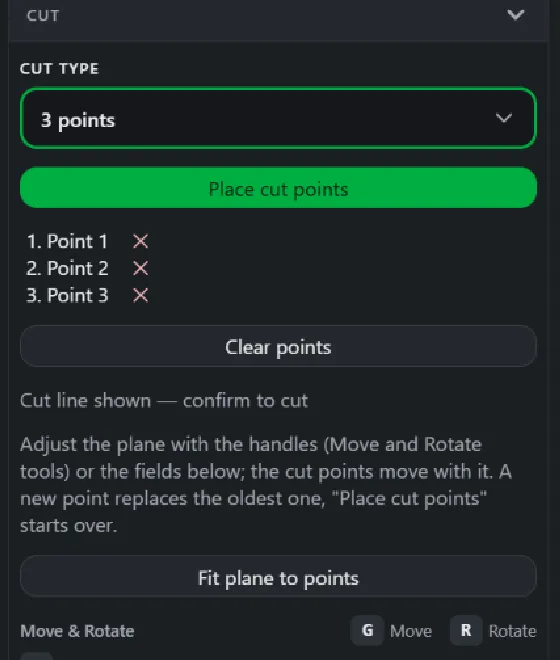
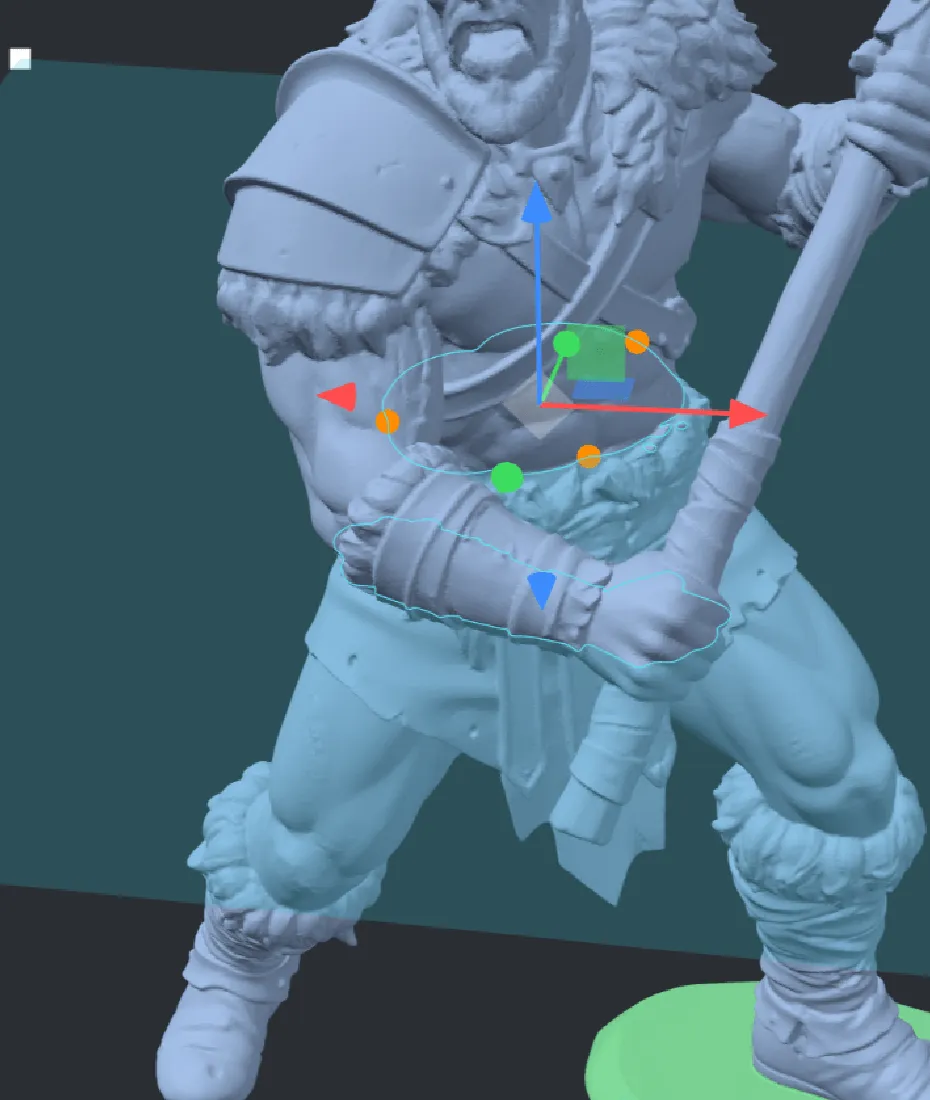
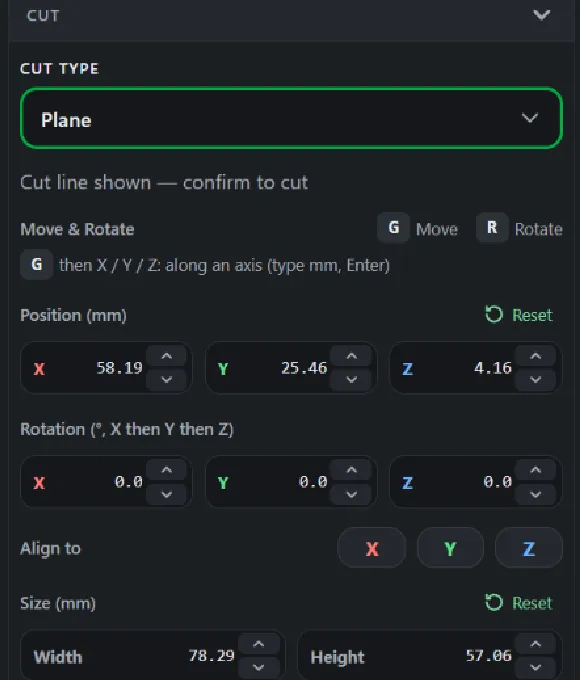
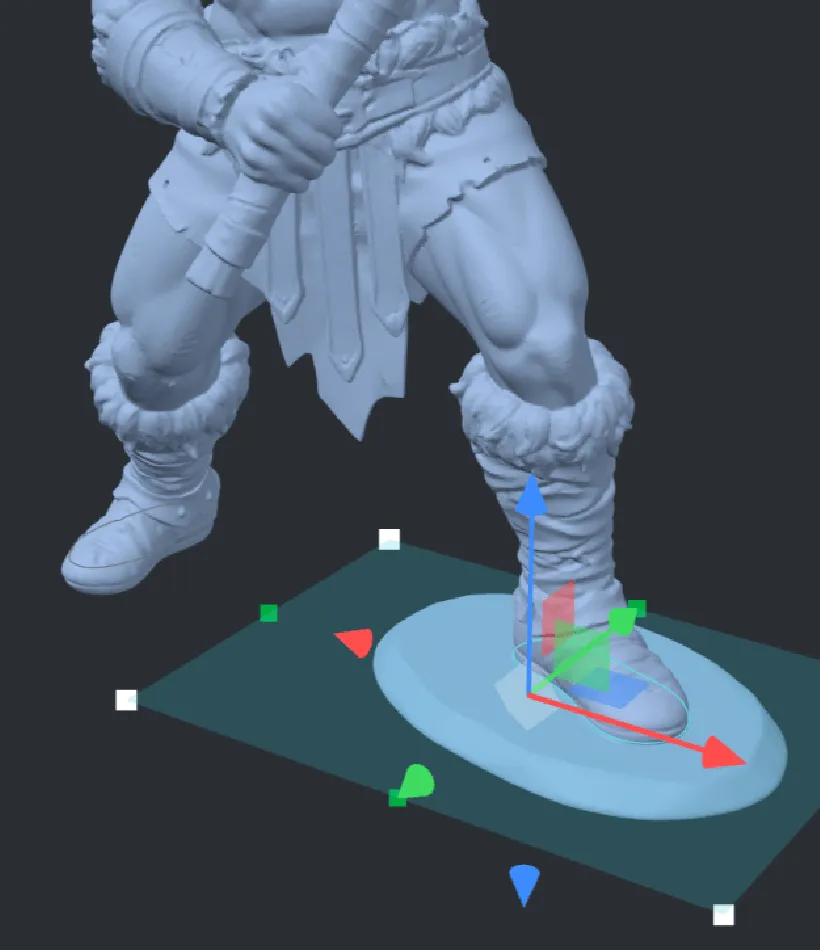
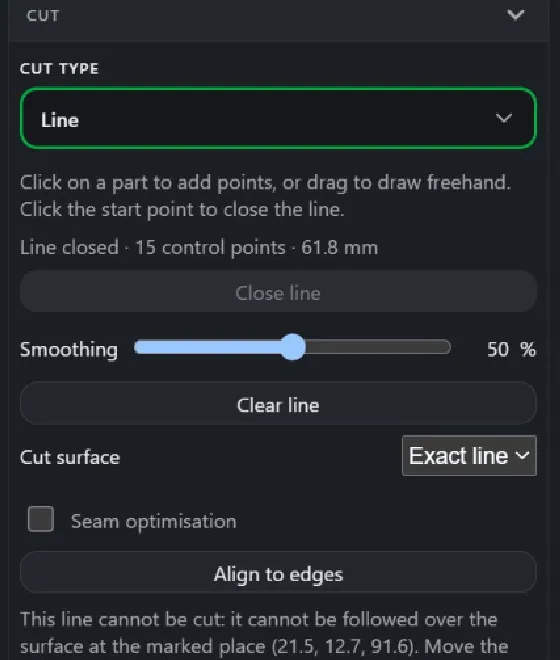
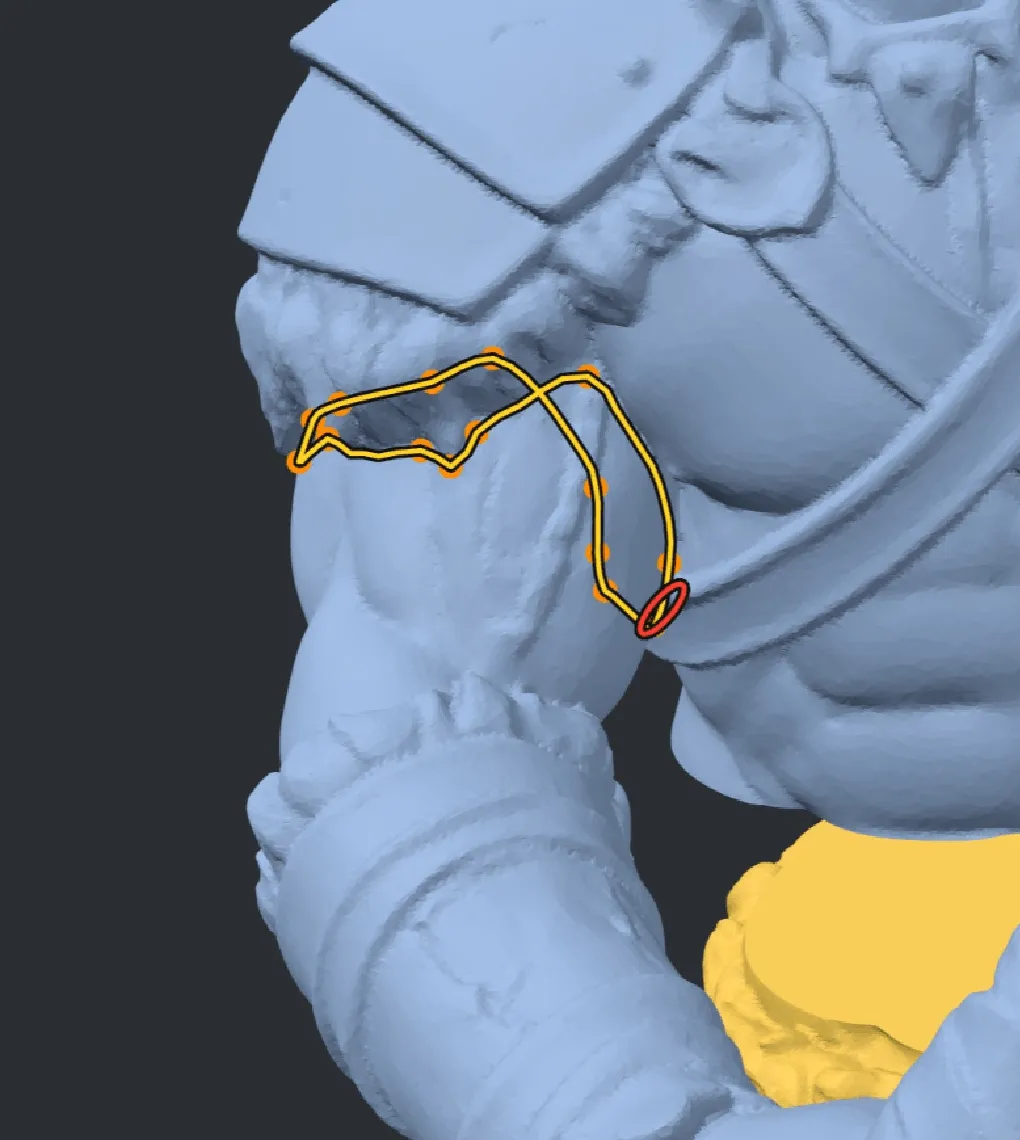
3 points, a set plane, or a line drawn on the surface – cut exactly along the line or as a plane. Edit the line with control points and smoothing.
FREERuns in your browser. No upload, no account.
Load an STL, OBJ or 3MF, cut it where you want, add pegs or magnet pockets and export ready-to-print parts. Everything runs on your computer – your model never leaves it.
No upload, no server processing.
Open the page and start cutting.
No paywall, no ads, no premium tier.
How it works
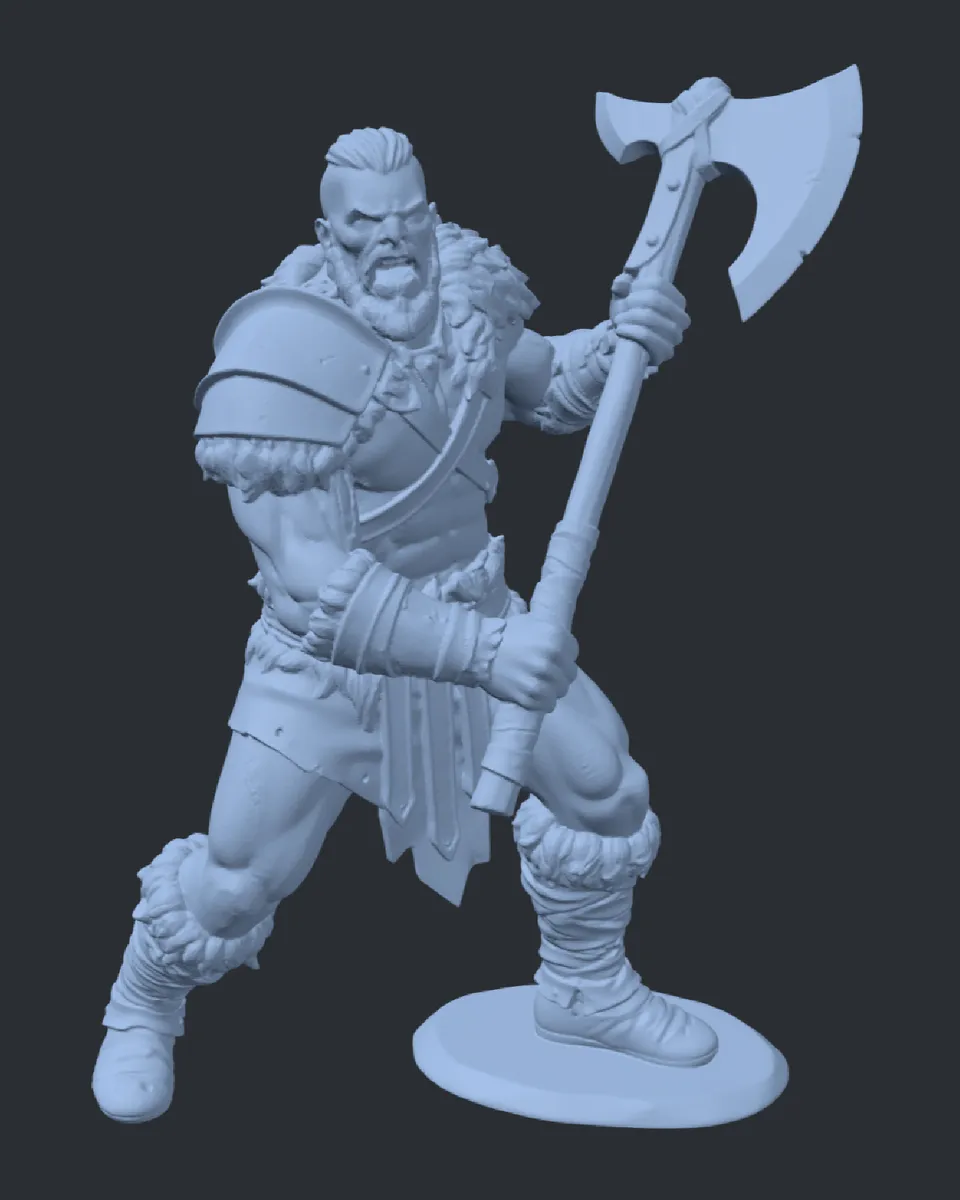
Drop in an STL, OBJ or 3MF. The tool checks the mesh and repairs holes on request, so every cut starts watertight.
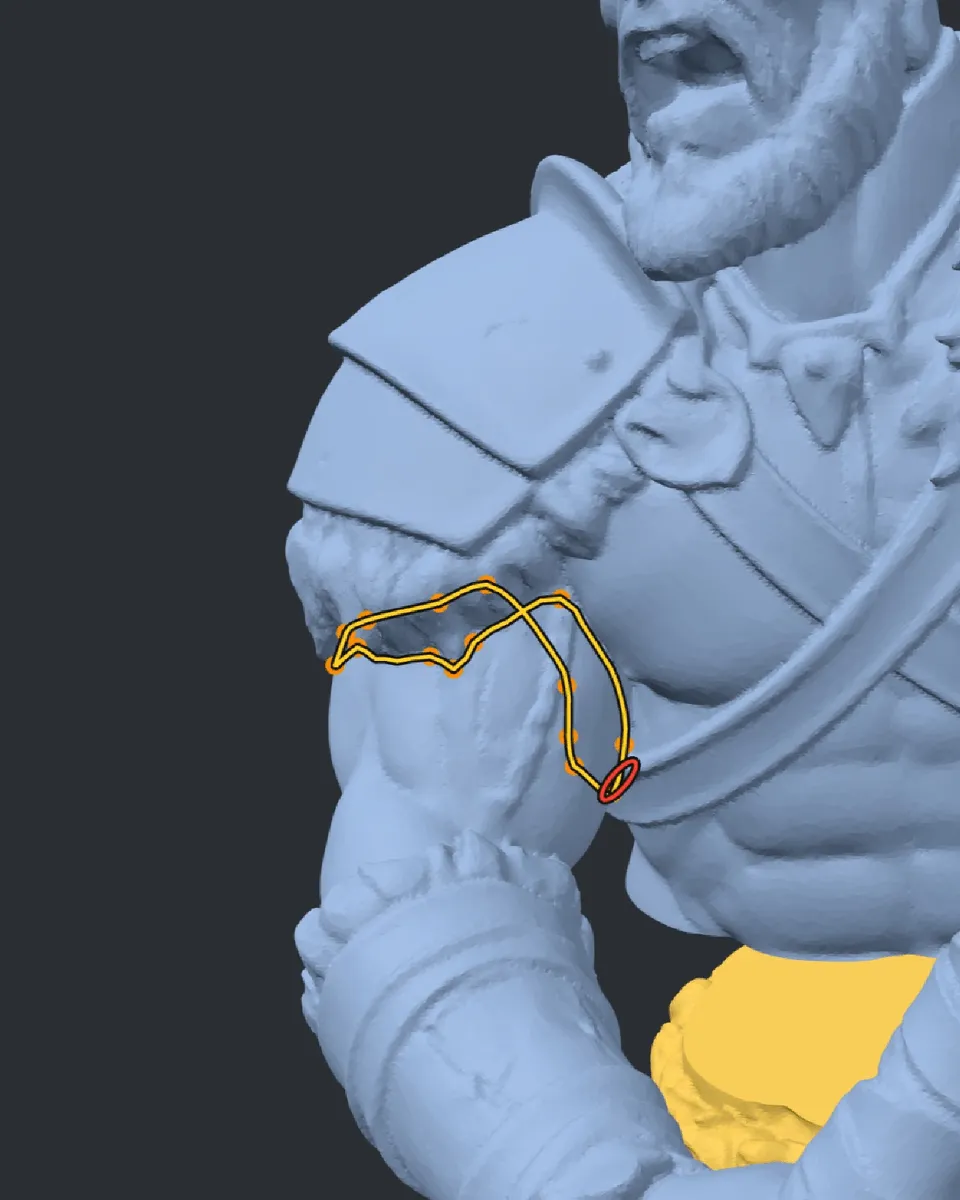
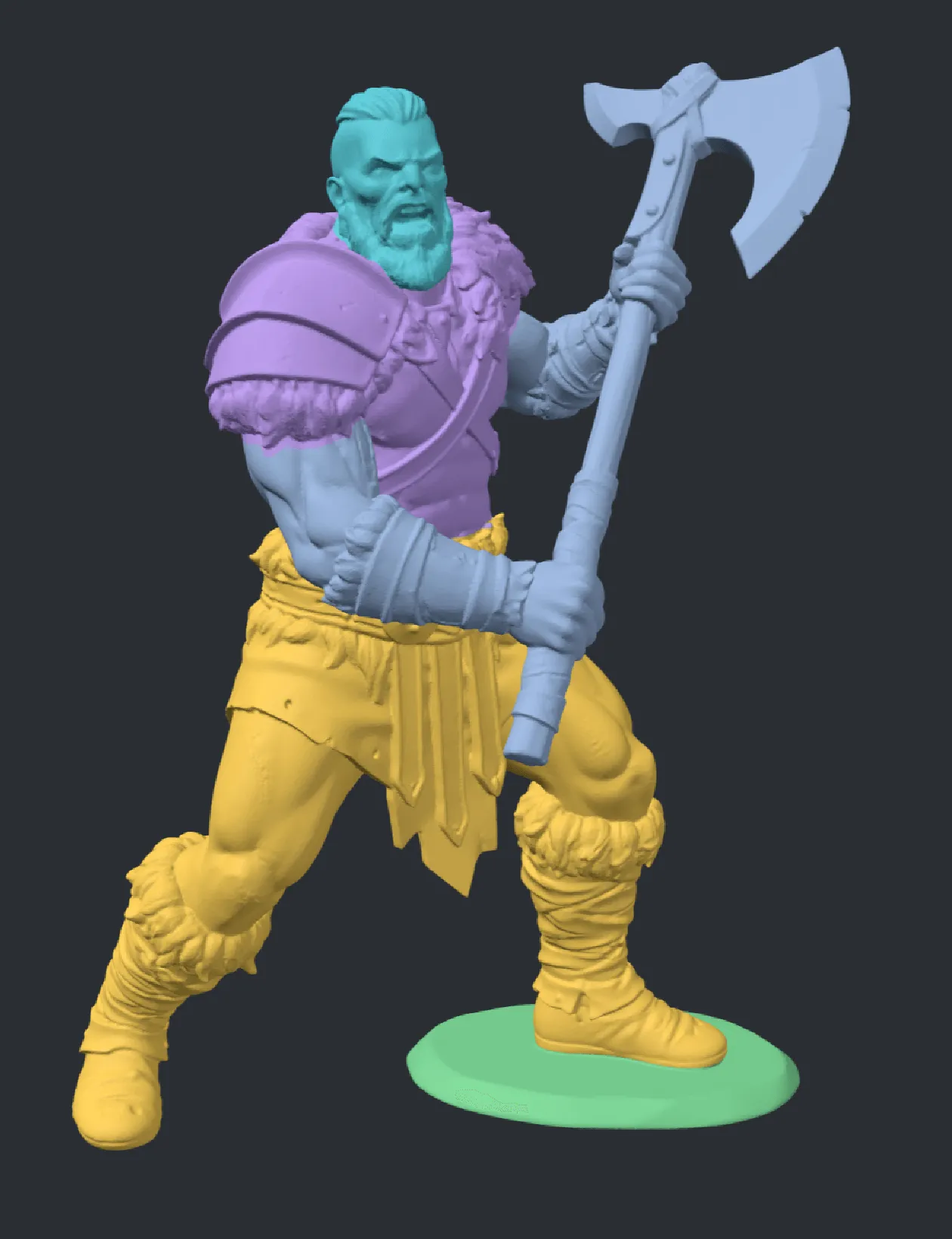
Set three points, place a plane, draw a line on the surface – or let the tool split the model to fit your printer.
Pegs and holes with print clearance, or pockets for magnets, screws and heat-set inserts.
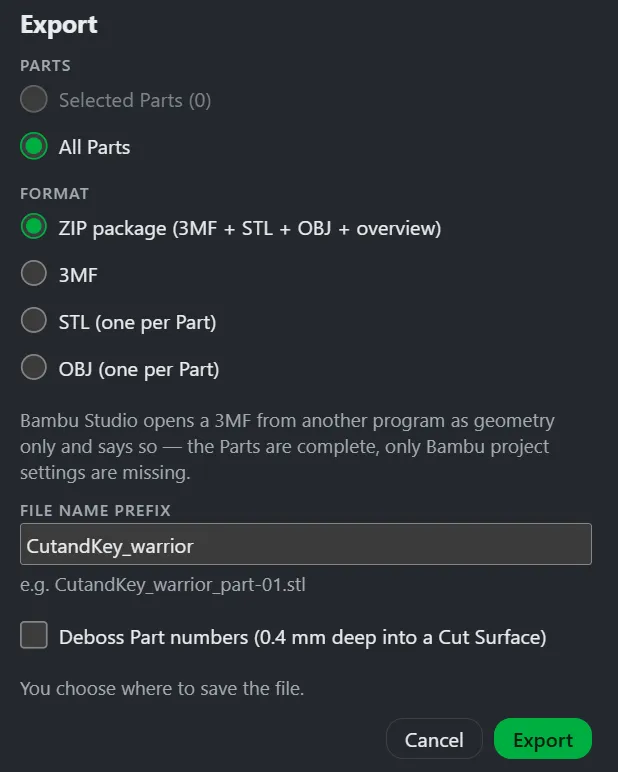
One ZIP with a 3MF project plus STL and OBJ per part – numbered, with an assembly overview.
Sensible defaults for your first split, expert options tucked into "Advanced" when you need them.
3 points, a set plane, or a line drawn on the surface – cut exactly along the line or as a plane. Edit the line with control points and smoothing.
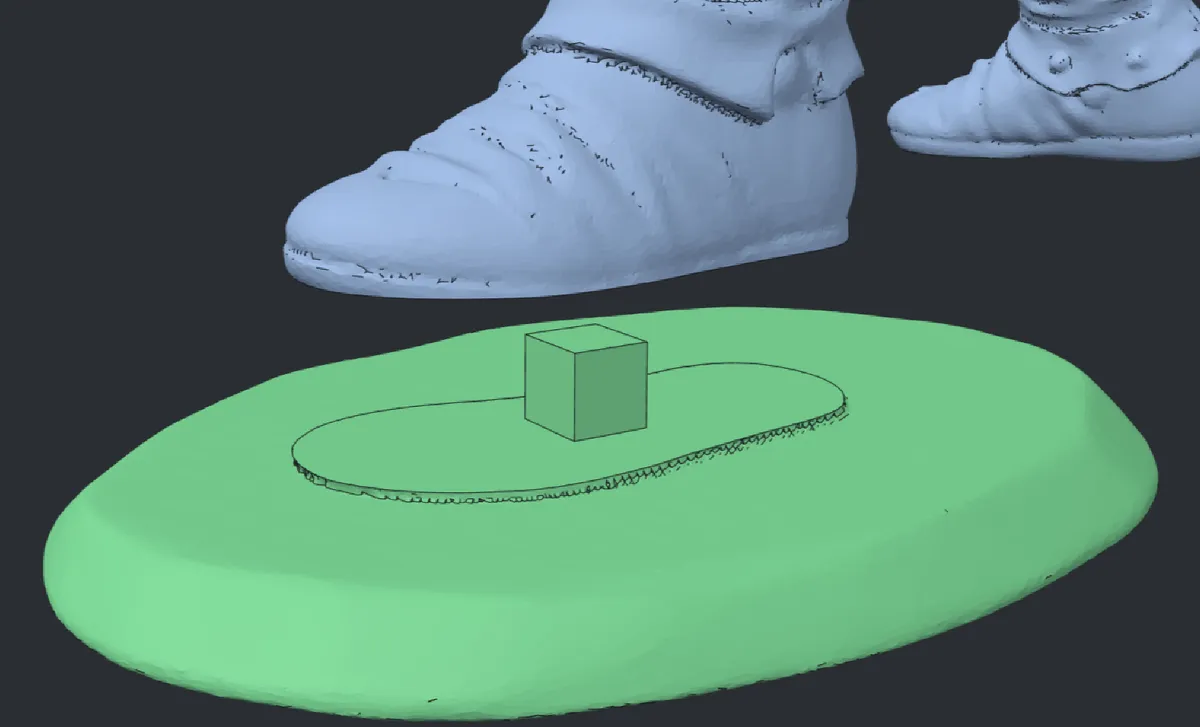
Peg-and-hole with clearance, plus pockets for magnets, screws and heat-set inserts.
Optional seam optimisation suggests a nearby cut line along folds and edges – you decide whether to apply it.
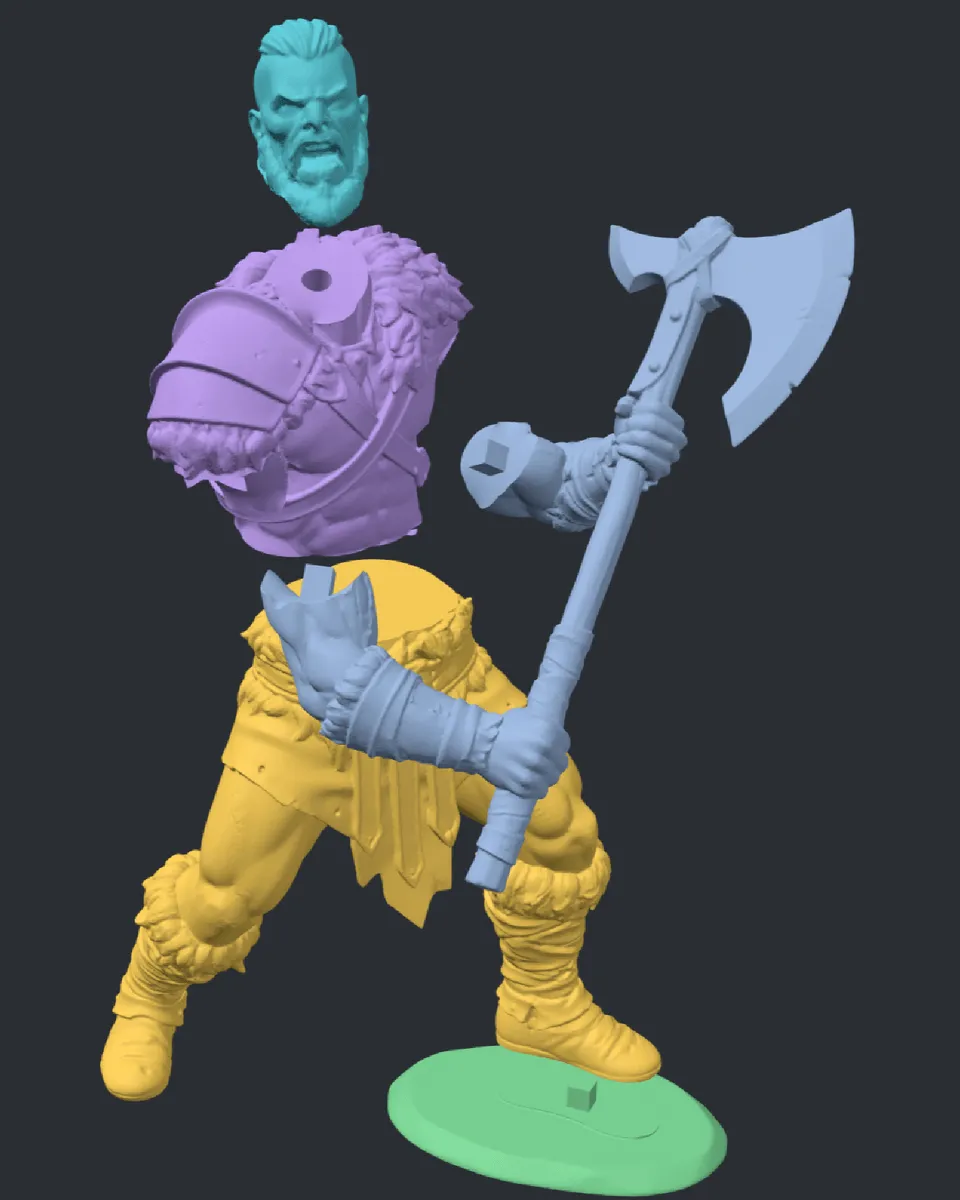
Pick your printer, scale to a target size and get an automatic split that fits the build volume – with a safety margin.
Optional part numbers debossed into cut faces, assembly overview, exploded view.
Mesh check and minimal-change repair before cutting; every part comes out ready for your slicer.
Privacy
Paid commissions, unreleased designs, your own sculpts: the tool loads, cuts and exports everything locally. There is no upload button because there is no upload.
No server processing. All geometry work runs on your device.
No account, no tracking cookies. Settings live in your browser only.
Anonymous visit counts at most. Never model data. Visits are only counted from the shortened server log — no cookies, no tracking script.
Free for everyone
Every feature is free for everyone – no premium tier. If the tool saved you a failed print or an afternoon in Blender, chip in what a spool of filament is worth to you.
More about supportNo supporters yet – you could be the first.
Yes. All features, no time limit, no watermark. The project is funded by voluntary support.
No. The file is opened and processed in your browser only.
STL, OBJ and 3MF. Tested with current Chrome, Edge and Firefox on desktop computers, with mouse and keyboard; Safari has not been tested. Tablets and phones are not supported yet.
Yes, without restriction. The files the tool creates belong to you. Only the rights to the original model apply – for example its licence on Printables.
Send an e-mail – the address is on the Feedback page.